
<img alt="" src="https://secure.enterprise-consortiumoperation.com/792484.png" style="display:none;">

Identify Risks Early. Intervene Before It Escalates.

Safety Intervention Manager helps organizations identify concerns, coordinate reviews, document actions, and support individuals before issues escalate into larger incidents.
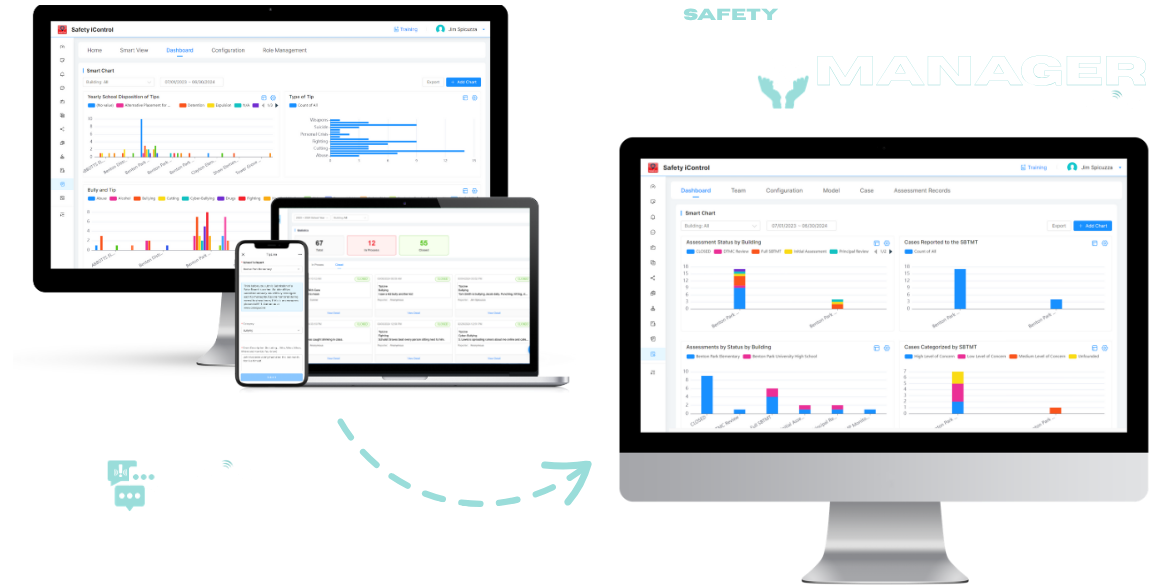
SIM_cover
The Problem

Most Incidents Show Warning Signs — But They’re Missed

Safety incidents rarely happen without warning. Concerning behavior, threats, and reports often exist — but they’re: 

Without a centralized process, critical signals are overlooked and opportunities for intervention are lost.

Why Early Intervention Matters

Whether concerns involve student well-being, workplace safety, behavioral issues, or potential threats, organizations are most effective when they identify concerns early and coordinate an appropriate response.

When organizations intervene early:

  • Incidents can be de-escalated before they become emergencies
  • Individuals receive support sooner
  • Teams can coordinate action more effectively
  • Communities feel safer and more supported

Prevention isn't just a feature—it's a shift from reacting to incidents to proactively protecting people.
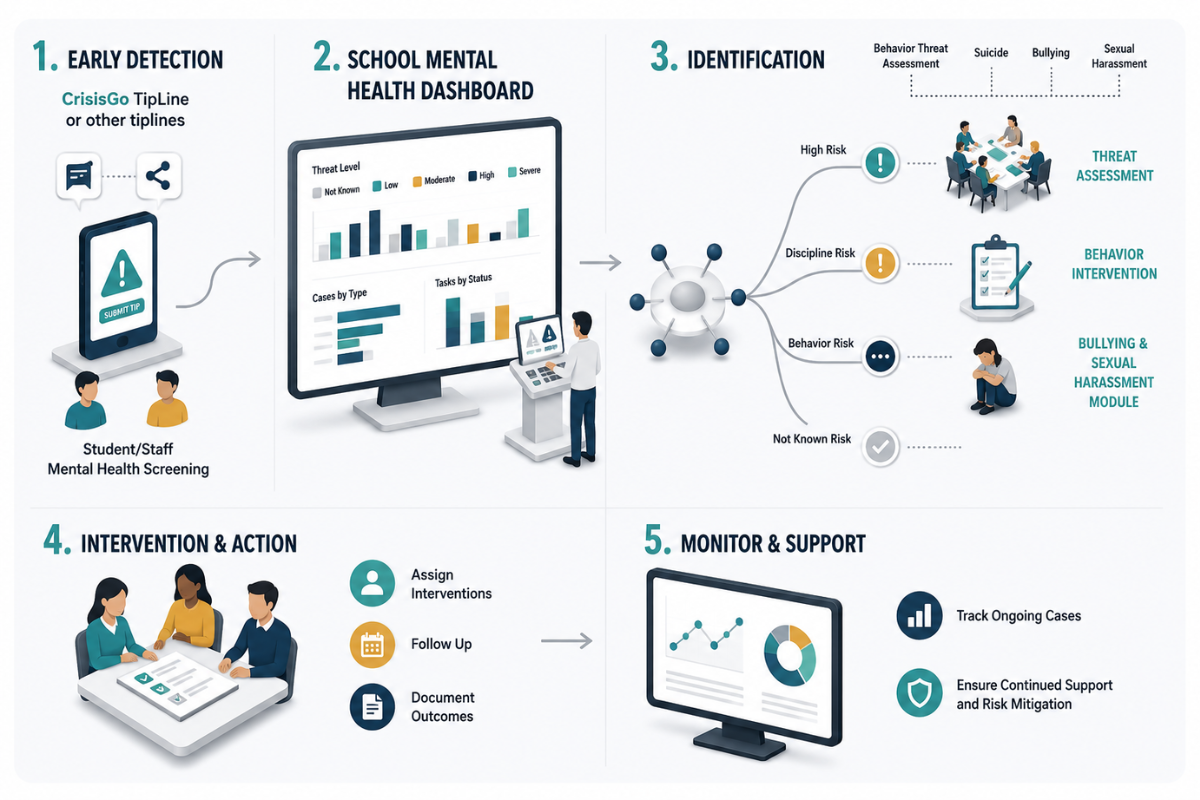
intervention manager workflow
The Solution

A Structured Approach to Prevention and Intervention

Safety Intervention Manager and Tipline provide a centralized system for reporting, assessing, and managing potential risks.

secure tipline

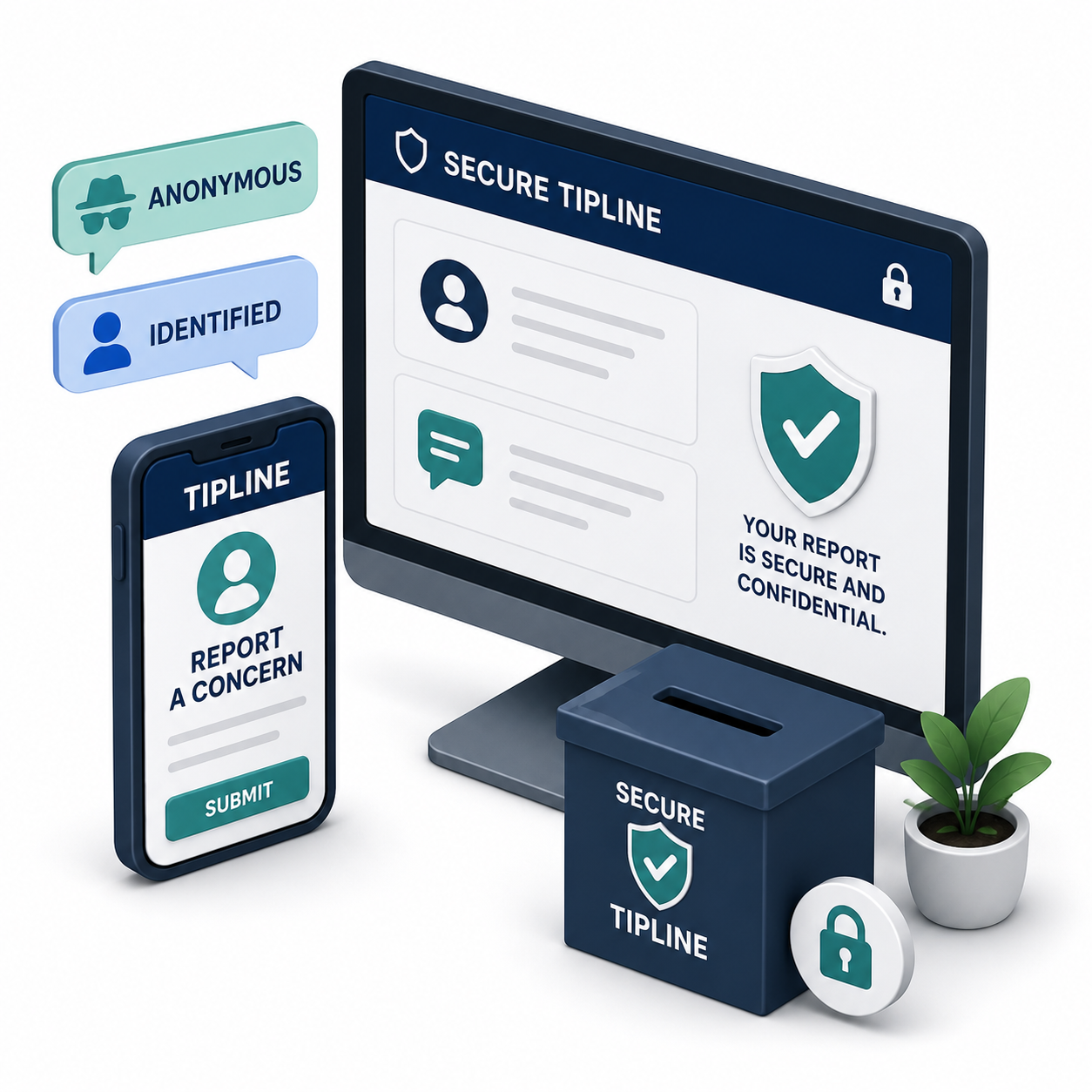
Enable anonymous or identified reporting through a secure tipline
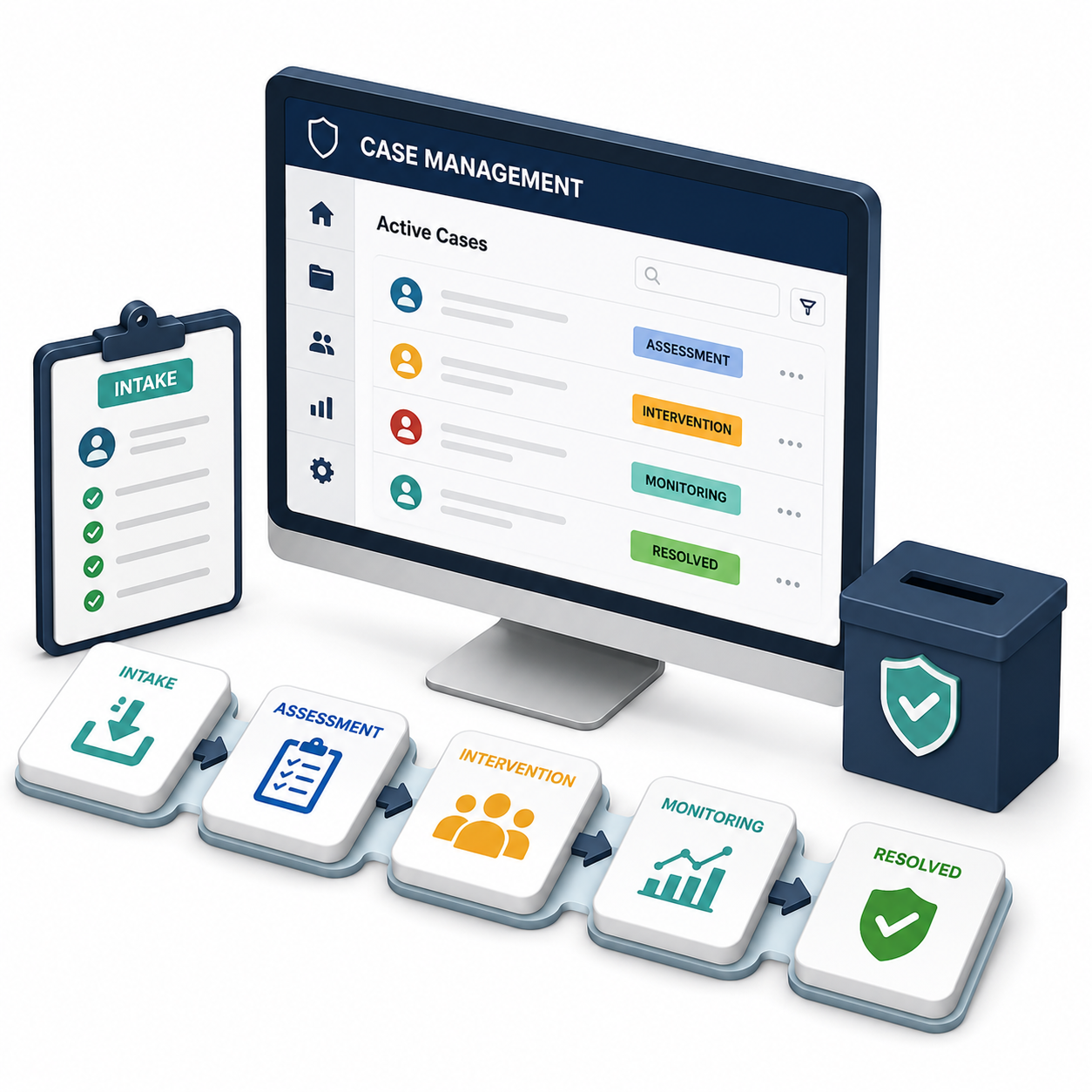
case management

Track and manage cases from intake through resolution
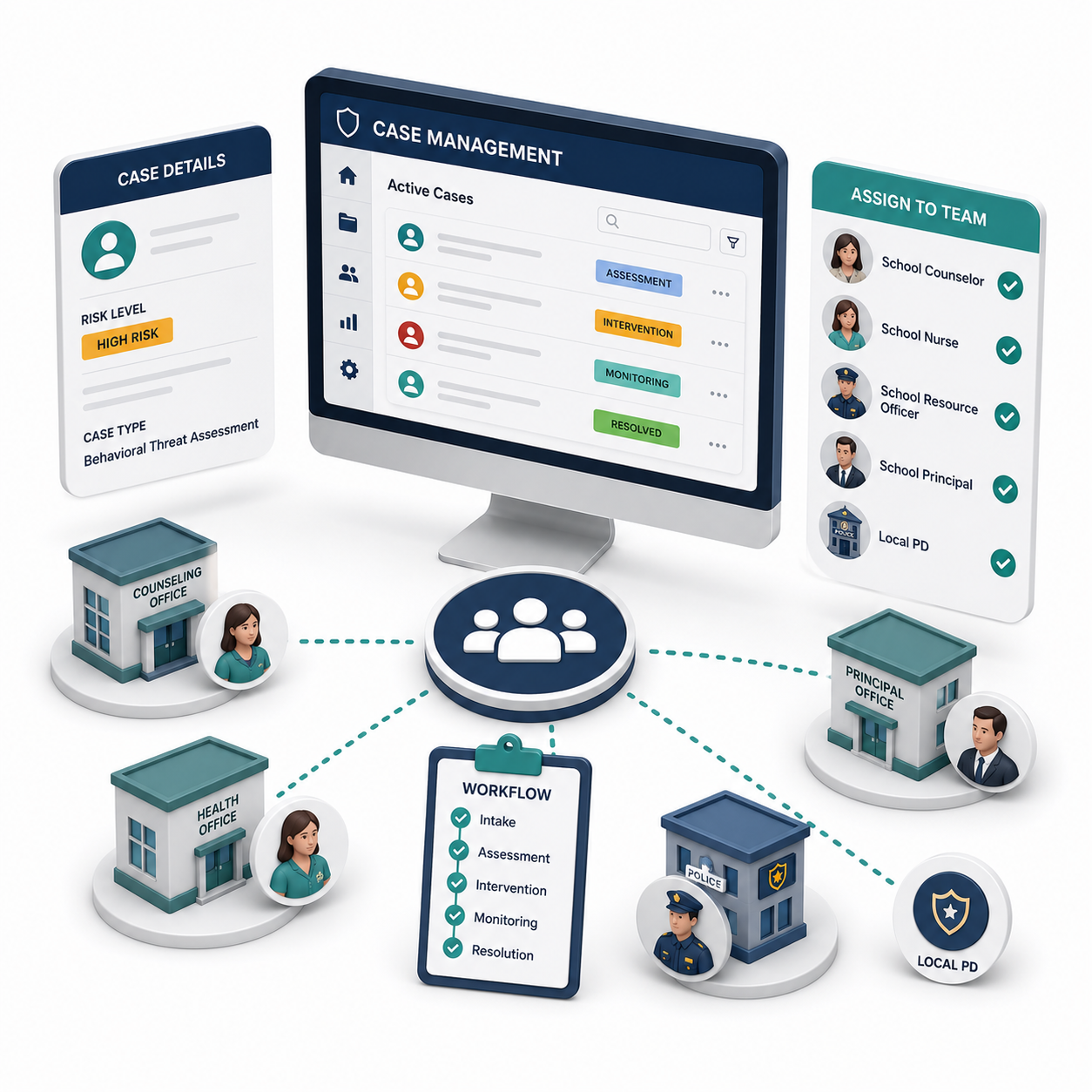
assign teams and workflows

Assign teams and workflows for consistent follow-up
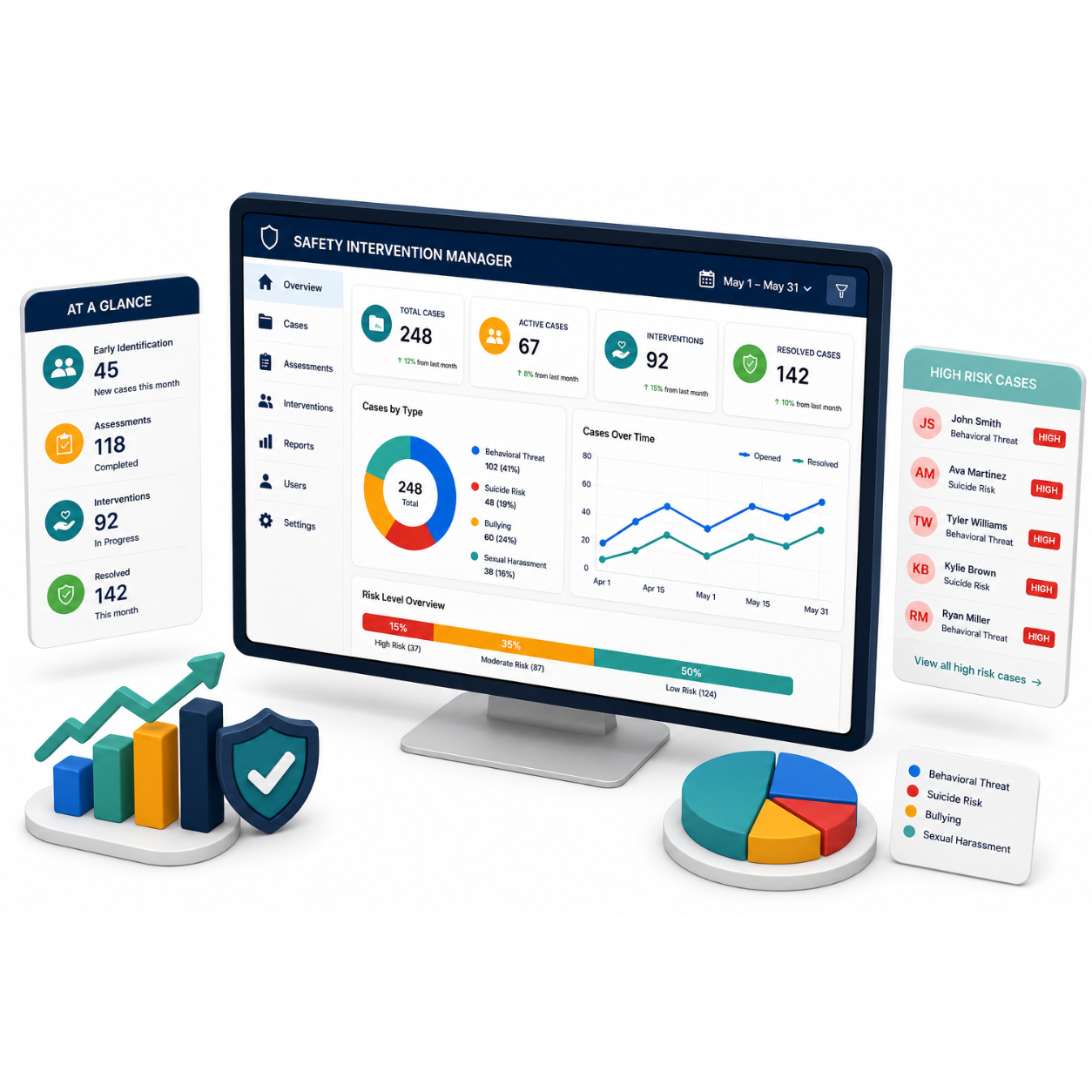
maintain visibility

Maintain visibility into ongoing concerns and interventions

Integrated with CrisisGo Connect, it ensures prevention efforts are coordinated across your entire organization.

How It Works

From First Concern to Meaningful Intervention

Step 1

Submit a Tip or Concern

Students, staff, or community members report concerns anonymously or directly.
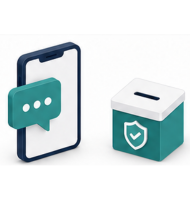
submit a tip or concern
Step 1
Step 2

Centralize & Review

All reports are captured in a single system for visibility and triage.
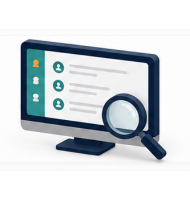
centralize and review
Step 2
Step 3

Assess Risk

Teams evaluate severity and determine next steps using structured workflows.
assess risk
Step 3
Step 4

Take Action

Assign interventions, follow up, and document outcomes.
take action
Step 4
Step 5

Monitor & Support

Track ongoing cases to ensure continued support and risk mitigation.
monitor and support
Step 5
Early Intervention at Work

See How Organizations Turn Concerns Into Action

Watch how Safety Intervention Manager helps organizations identify concerns, coordinate reviews, document interventions, and support positive outcomes before issues escalate.

Why It’s Different

More Than a Tipline — A Complete Prevention and Intervention Platform

This is not just about collecting tips — it’s about acting on them effectively. 

Frequently Asked Questions

FAQs

How does the anonymous tipline work?
TipLine is CrisisGo's anonymous reporting tool that lets anyone submit safety concerns (bullying, threats, self-harm, etc.) via the app, web form, SMS, or QR code — with the option to remain fully anonymous. Tips are instantly routed to the right staff using keyword-based rules (e.g., "weapon" → SRO, "bullying" → counselor), who then claim, investigate, and resolve the case. Critical keywords trigger automatic escalation, and tips can be pushed directly into Safety iResponse for emergency action or Safety Intervention Manager for formal threat assessments.
Can reports be tracked and managed over time?
Yes — every tip is tracked in a real-time dashboard where admins can view tip volume, types, and trends by building, monitor open/closed case status, see full operational history (comments, attachments, forwards), and export PDF reports for compliance or review. This gives districts a clear, auditable record of every report from submission to resolution.
Who has access to submitted tips?
Only designated staff members assigned through the keyword-based routing rules have access to submitted tips — such as SROs, counselors, or administrators depending on the tip category. Admins have broader visibility through the real-time dashboard to oversee all cases across buildings.
Can we customize workflows for our organization?
TipLine and Safety Intervention Manager are fully customizable. TipLine lets you tailor report forms, keyword-based routing rules, escalation triggers, and role-based permissions. SIM lets you configure threat assessment templates, approval workflows, conditional steps with due dates, and role-based access — all aligned to your district's policies with support from CrisisGo's team.
How does this integrate with emergency response if a situation escalates?
If a tip or threat assessment escalates, both TipLine and Safety Intervention Manager integrate directly with Safety iResponse — CrisisGo's emergency response tool. Staff can push a critical tip or Safety Intervention Manager case straight into Safety iResponse to instantly trigger lockdowns, evacuations, or other emergency alerts across the building or district. This creates a closed loop from anonymous report → threat assessment → emergency action, all within the same platform.
Back to top

Move From Reaction to Prevention

See how Safety Intervention Manager and Tipline help you identify risks early and take action with confidence.